
This is an old revision of the document!
Light sources
The Light node simulates a directional light source and can be placed into the scene similarly to primitive objects. It controls the direction, intensity, and color of the light that affects the appearance of surfaces and shadows in the scene.
Common attributes of a Light node include:
- light geometry
- Point light
- Spot light
- Directional light
- Shaders: Sun sky
- Physical light
- Spectral light
- colour
All light types (except the Sun sky) can be set to shadowless mode, disabling shadow casting. Rays can be vizualized and adjusted.
Point light
A light source that send rays in equally in all directions and only takes power and color as parameters.
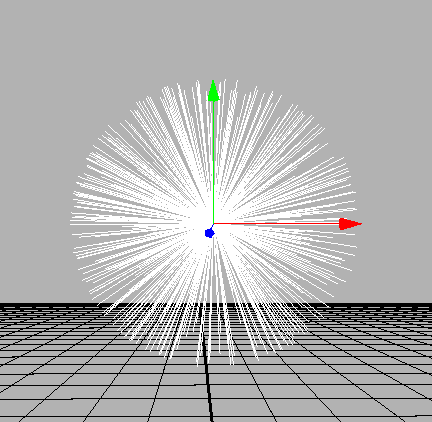
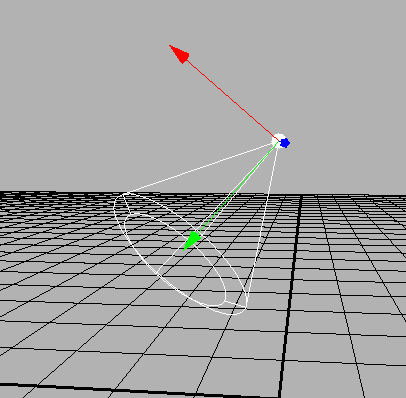
Spot light
A light source that creates a light cone, this cone can be defined by a inner and a outer angle. Furthermore the power and color of a spot light can be adjusted.
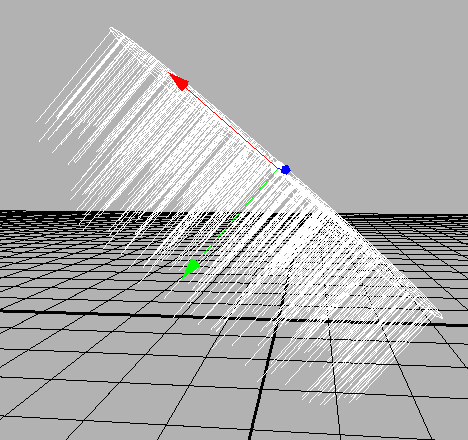
Directional light
A light source that send rays from an infinite distance along the direction of the LightNode. The area of origin is not limited and therefore the power is defined by power density.
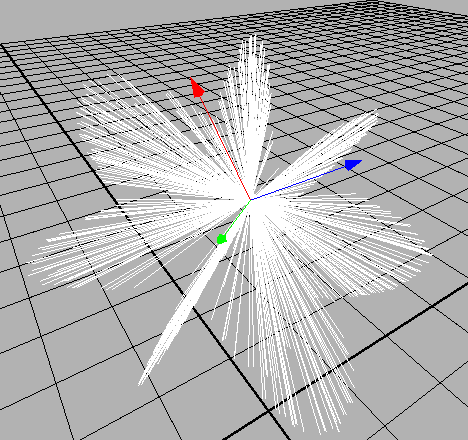
Physical light
A Physical light source uses a distribution (commonly provided by an ies file from the Light distributions or the asset library) to define the direction and strength of outsended rays.
Spectral light
A spectral light source works as a wrapper around another light source. It only defines the spectral of the light rays not their directions. This can be used for the spectral raytracer GPUFlux.