
Differences between the CPU and GPU light model
1. Interpretation of specular and shininess reflection
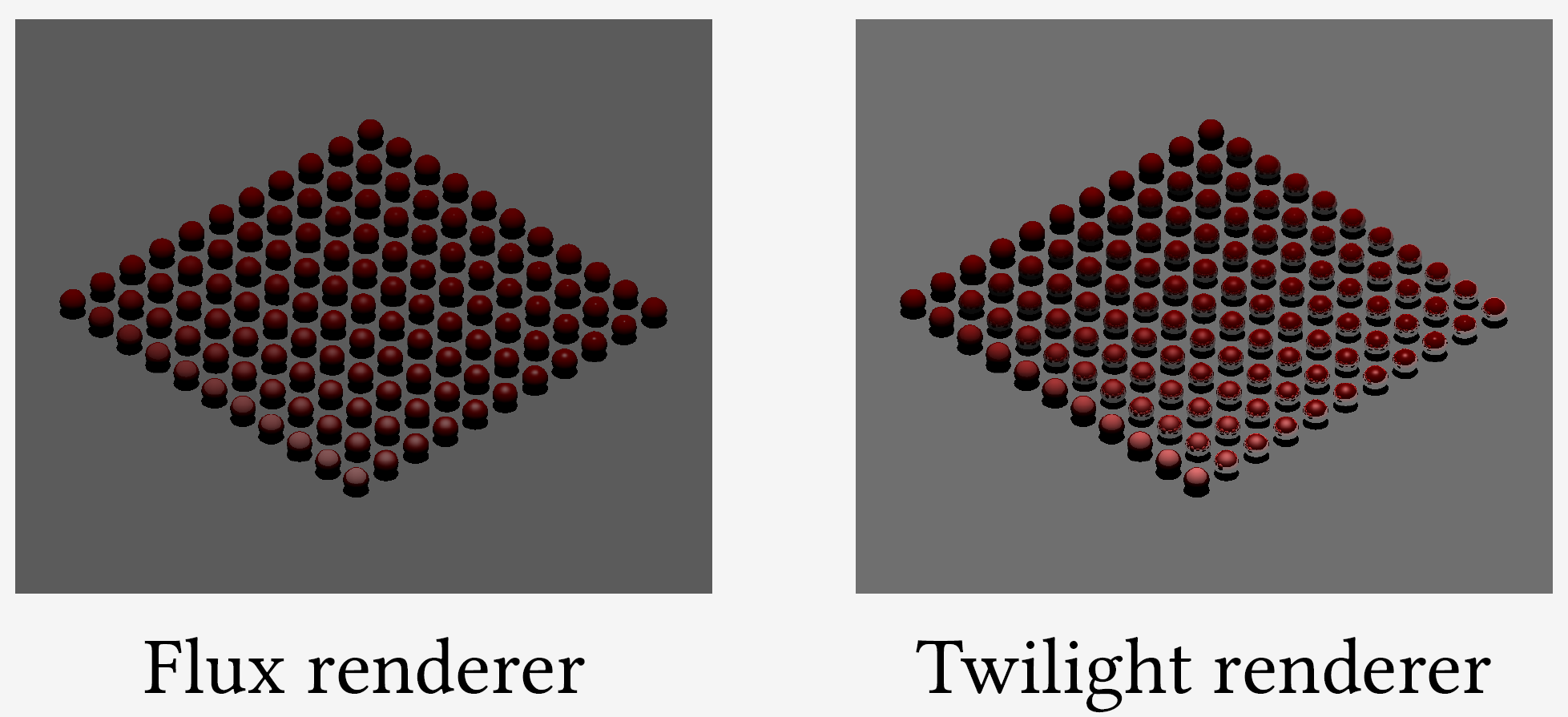
2. Interpretation of transparency of image textures
3. Implementation of the GrinClonerNode behaviour
- CPU (Twilight) implementation: repeats objects only into first quadrant
- GPU (Flux) implementation: repeats objects into all four quadrants
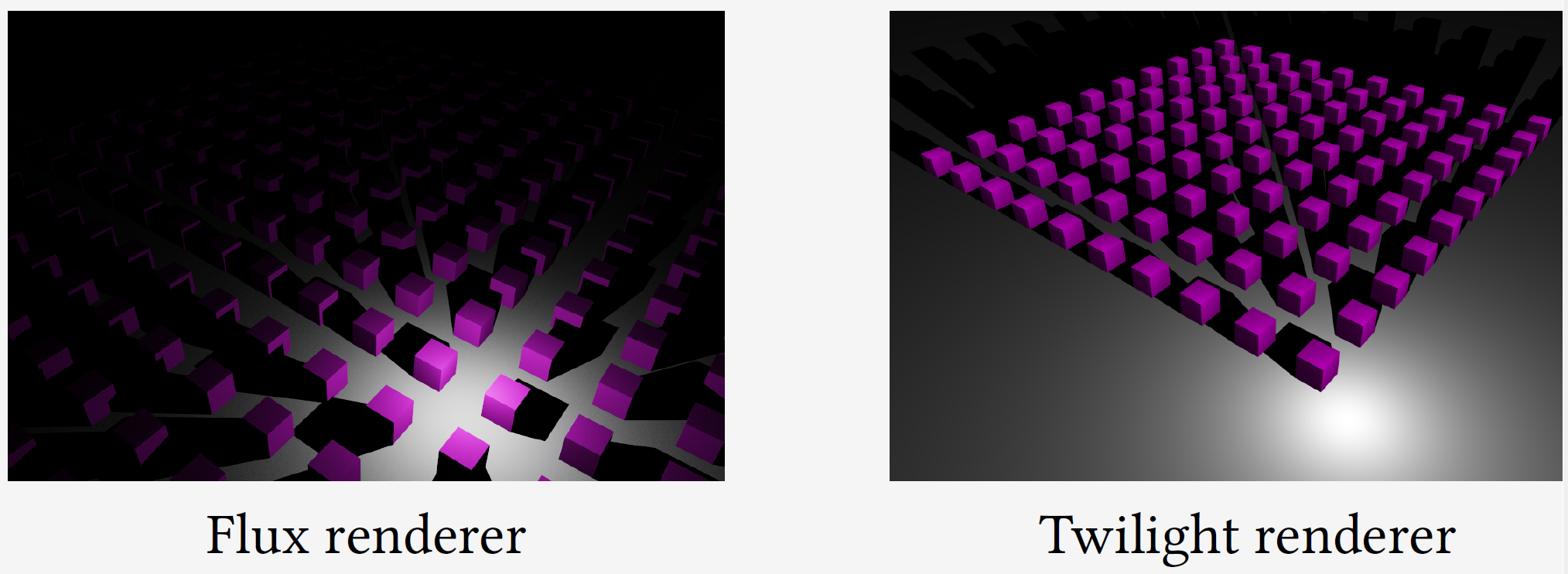
4. Only in the Twilight light light model the additional function of getReceivedPower, getReflectedPower, getTransmittedPower, getAbsorbedPower, and getHitCount are implemented. See: More light model functions... beyond getAbsorbedPower
5. The twighlight model only handles skies with sky-shaders as light sources. Hence, the cloud texture does not act as a light source. GPUFlux handles any sky as light source, independent of the shader it uses. This allows the user to create its own sky light source. As a consequence, the cloud texture also acts as a light source, resulting in the dominantly blue lighting on some scenes. This was a deliberate choice to make the sky objects more flexible.
6. The way DirectionalLight generates photons:
- CPU (Twilight): Photons are uniformly distributed over a disk of radius = scene bounding sphere radius.
- GPU (GPUFlux): Samples photons only within the grid bounding box projected onto the light plane — which is tightly fitted to your actual scene content.
Since the area of a bounding box is much smaller than the bounding sphere disk, more photons land on the objects for the FluxLightModel. This is actually a feature: the grid-based sampling makes GPUFlux statistically more efficient for scenes where geometry is sparse relative to the bounding sphere.