Table of Contents
Assets Libraries
Starting with GroIMP 3.0.0 Libraries of modelling assets are introduced, this libraries provide predefined object that can be used in simulation. For instance growth functions, shaders or light specifications.
The general workflow allows up to three ways of using:
- Applying directly select an object in your scene that can use this kind of resources and use the apply button or add the asset directly as an object
- Add to the associated explorer to create a resource that can be used in the project by a reference
- Use directly through RGG (see the embedded code examples)
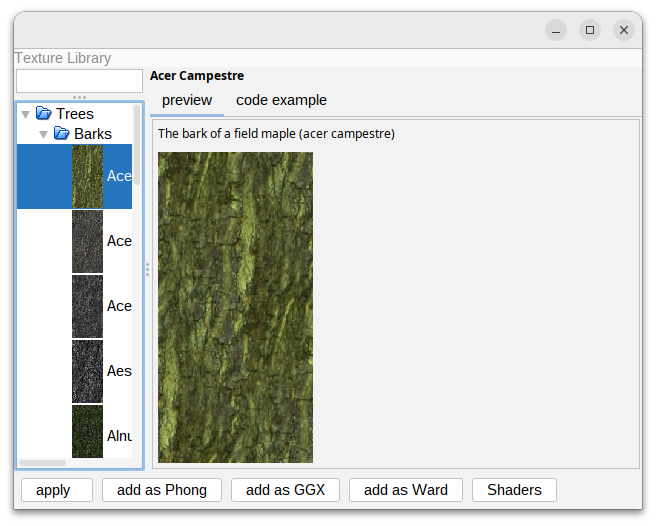
TextureLibrary
provided by the plugin Texture Library
A set of images of barks and leafs that can be used input for different shaders (GGX,Ward, Phong shader).
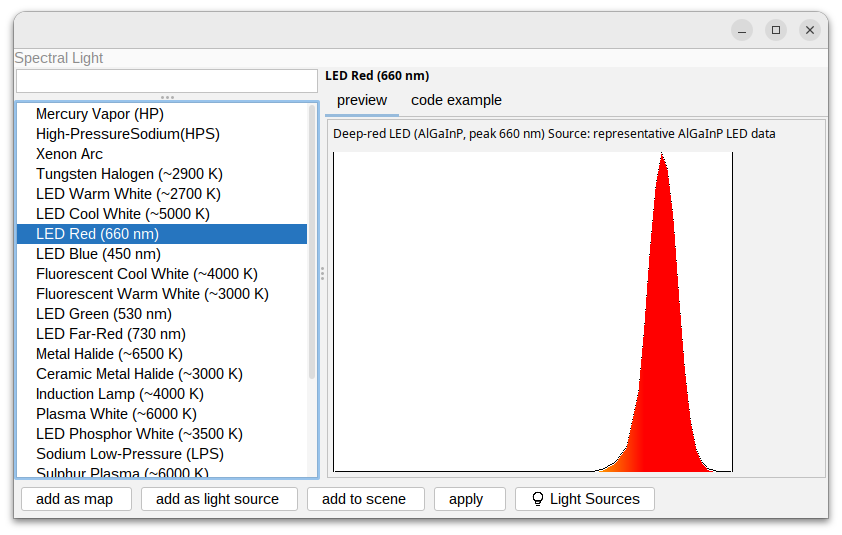
Spectral Light
provided by the plugin LightLibrary
This library provides predefined SPD files for light sources.
Light Distribution
provided by the plugin LightLibrary
A set of predefined light distribution to use in Physical Light.

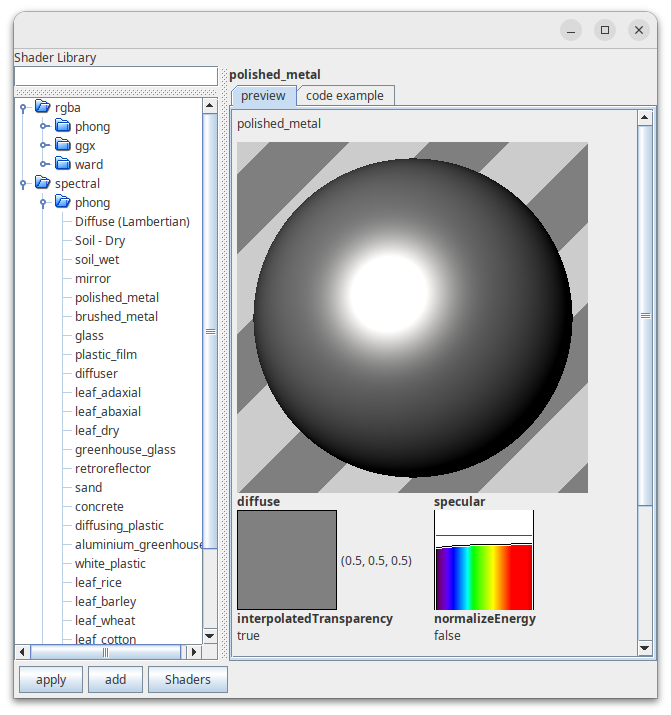
Shader Library
provided by the plugin ShaderLibrary
A set of predefined shaders of often used materials(including soild, leafs or greenhouse parts). Shaders are provided in as GGX,Ward and Phong shader. They are also categorized into RGBA and spectral shaders.
Growth function library
provided by the plugin Growthfunctionlibrary
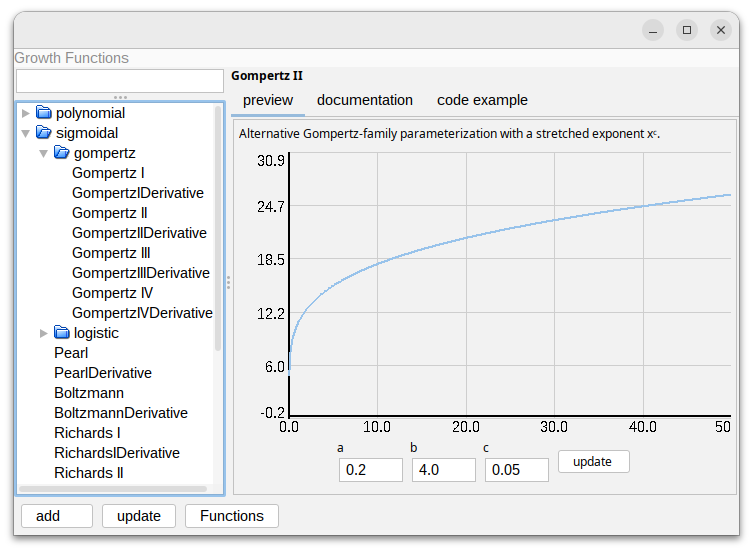
A set of growth functions that follow the GroIMP standard of math functions and can be used through the function explorer.
The panel allows users to brows and customize growth functions.
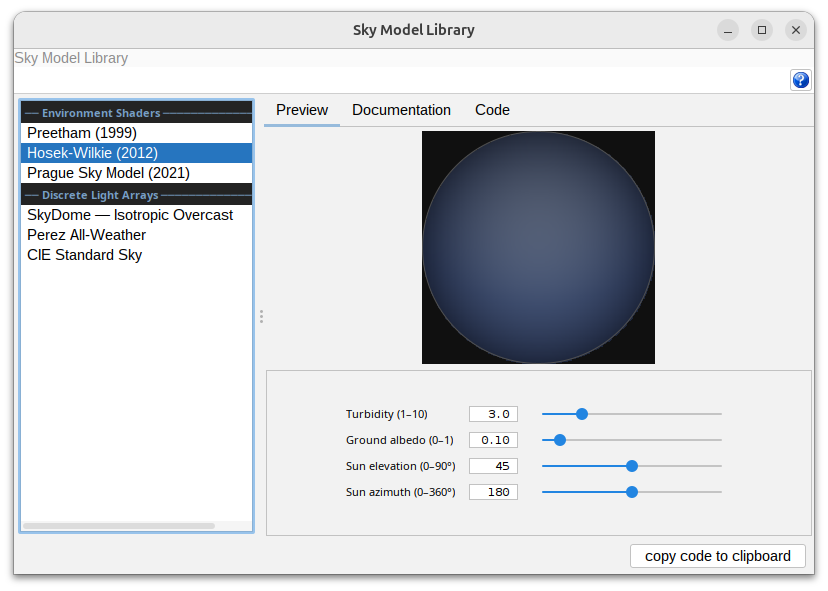
Sky Model Library
A UI browser for GroIMPs sky models.